
208 字
1 分钟
Windows终端定制
前置
PowerShell
下载 PowerShell 新的版本,不是Windows自带的PowerShell哦。
Windows Terminal
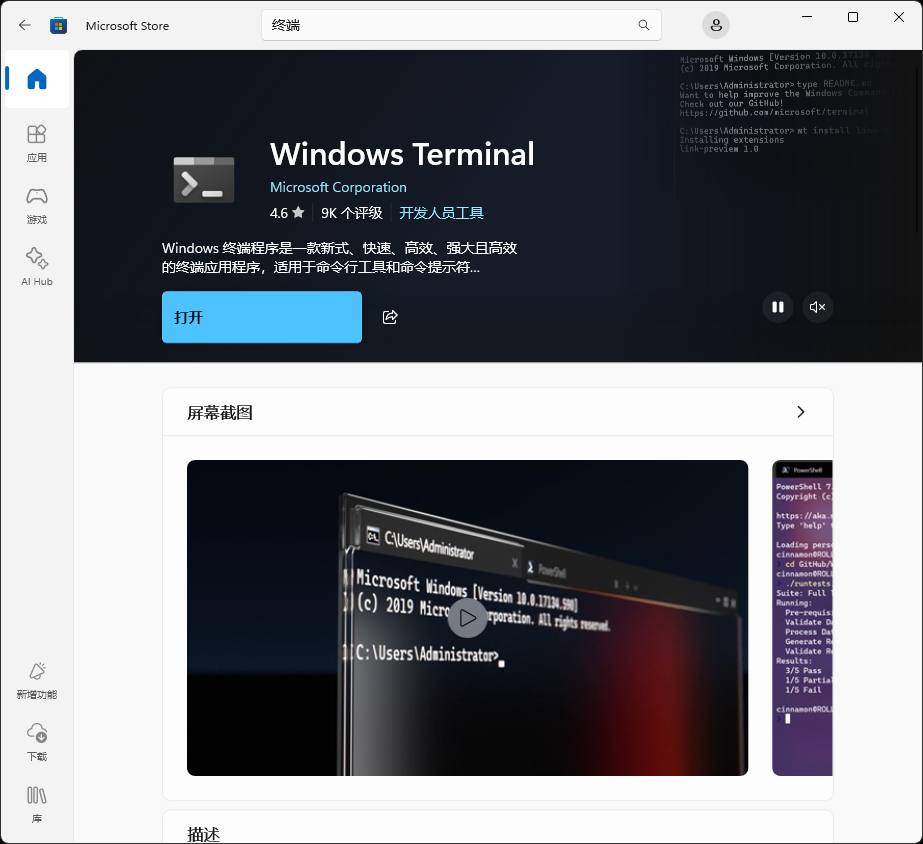
在应用商店中下载终端,它支持多标签页,可以同时使用多个不同的终端。
美化
Starship 是一个轻量定制的终端主题,再也不用为PowerShell主题选择而挑花眼了。如果不用 Starship 的话,也可以安装 oh-my-posh ,会有更多定制项。
下载Nerd Font字体
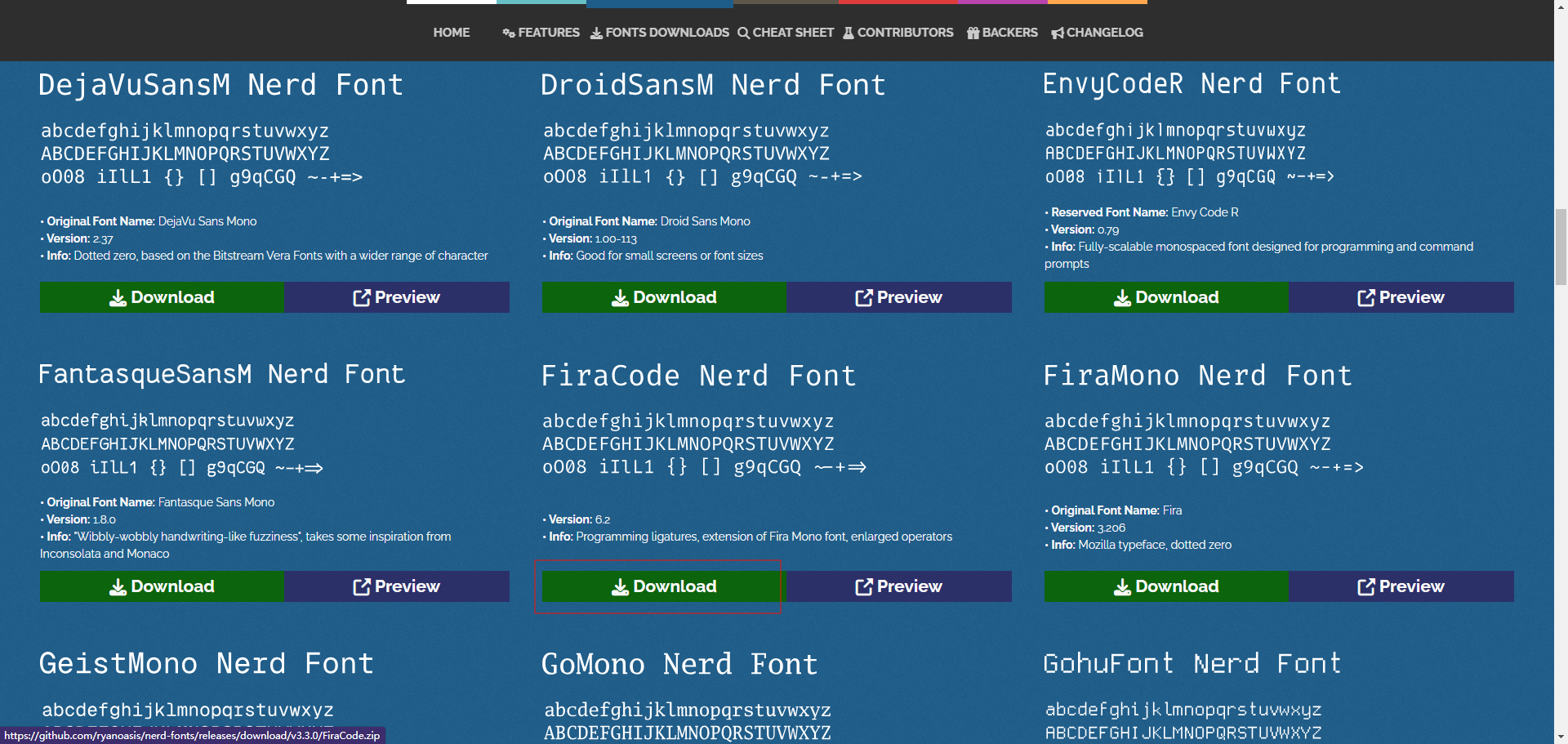
在 NERD FONTS 中挑选心仪的字体,比如 Fira Code Nerd Font ,下载后安装到本机。
下载Starship
# 直接在终端安装
curl -sS https://starship.rs/install.sh | sh
# 使用scoop安装
scoop install starship
配置到PowerShell
在终端运行 $PROFILE 获取配置文件路径,例如我这里是 C:\Users\black\Documents\PowerShell\Microsoft.PowerShell_profile.ps1 ,打开文件在末尾加入新的一行:
Invoke-Expression (&starship init powershell)